Loading Page
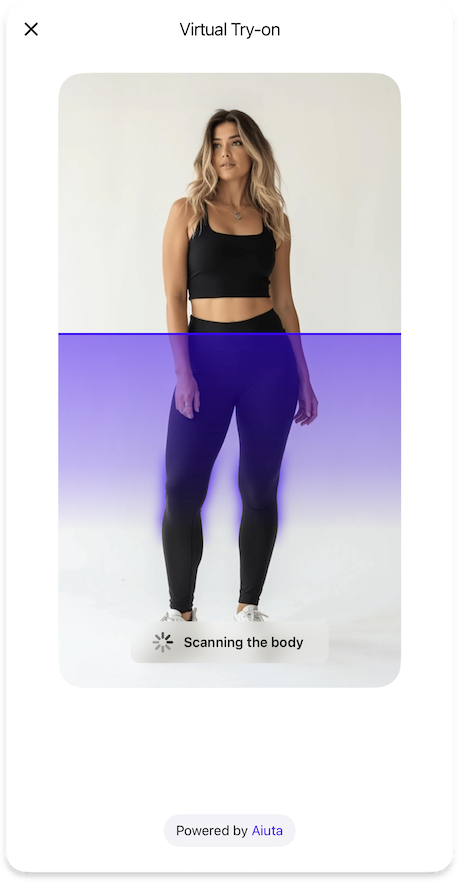
Configuration for the loading page displayed during the TryOn process.
TryOnLoadingPageFeature {
  strings {
    tryOnLoadingStatusUploadingImage: String // (1)!
    tryOnLoadingStatusScanningBody: String // (2)!
    tryOnLoadingStatusGeneratingOutfit: String // (3)!
  }

  styles {
    loadingStatusBackgroundGradient: List<Color> | null // (4)!
    loadingStatusStyle: ComponentStyle // (5)!
  }
}
- Text displayed while uploading the user's image to the server.
- Text displayed while scanning and analyzing the body in the image.
- Text displayed while generating the virtual try-on outfit.
- Optional gradient colors for the loading status background.
- Visual style for the loading status indicator, either primary (solid) or blurred (with optional outline).
{"Color": "/sdk/developer/definitions/#color", "ComponentStyle": "/sdk/developer/definitions/#componentstyle", "List": "/sdk/developer/definitions/#list", "String": "/sdk/developer/definitions/#string", "null": "/sdk/developer/definitions/#optional"}